 Cycle Now
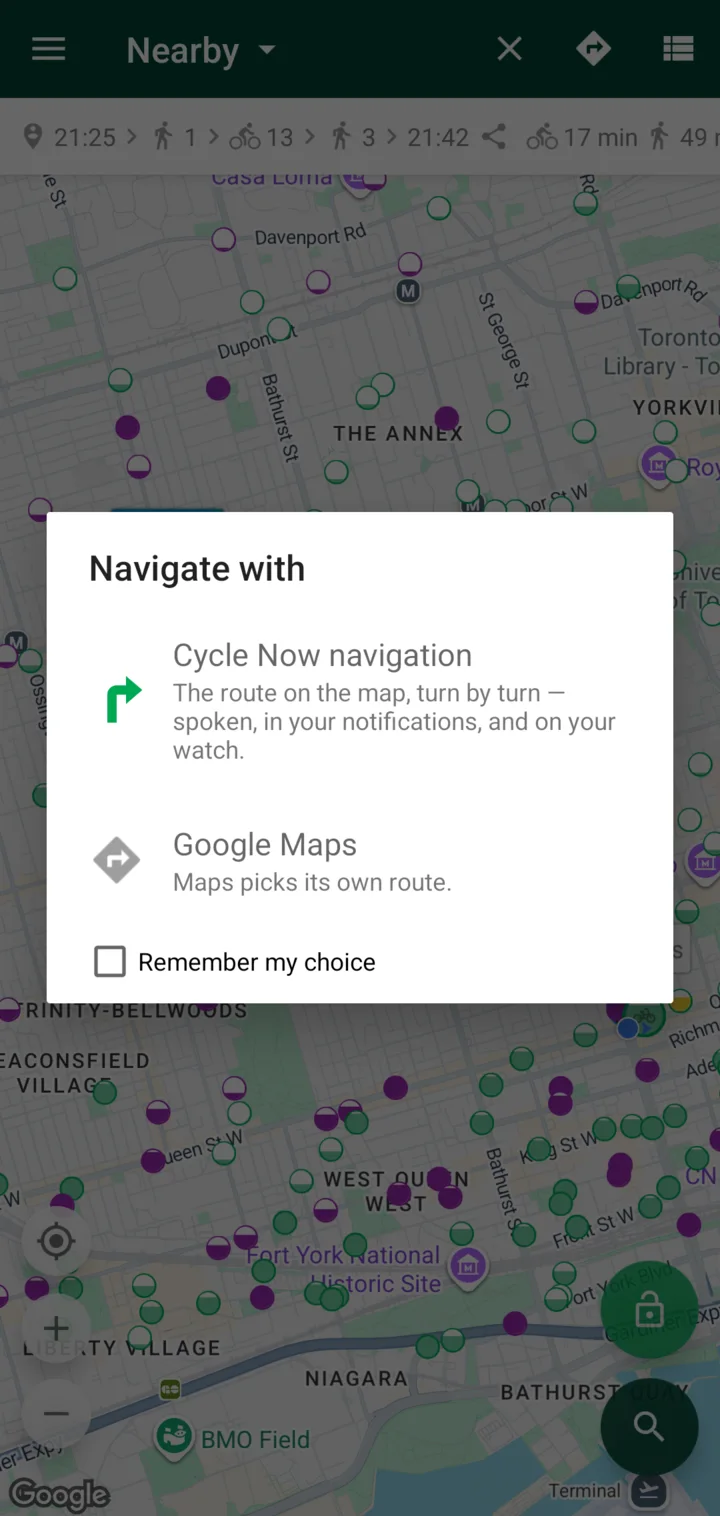
Your choice
Navigate in Cycle Now, or hand off to Google Maps.
Live bikes and docks, calm side-street routes, and turn-by-turn directions. Made for Bike Share Toronto.

On iPhone? Bike share lives inside Transit Now →
In 300 metres, turn left onto College Street
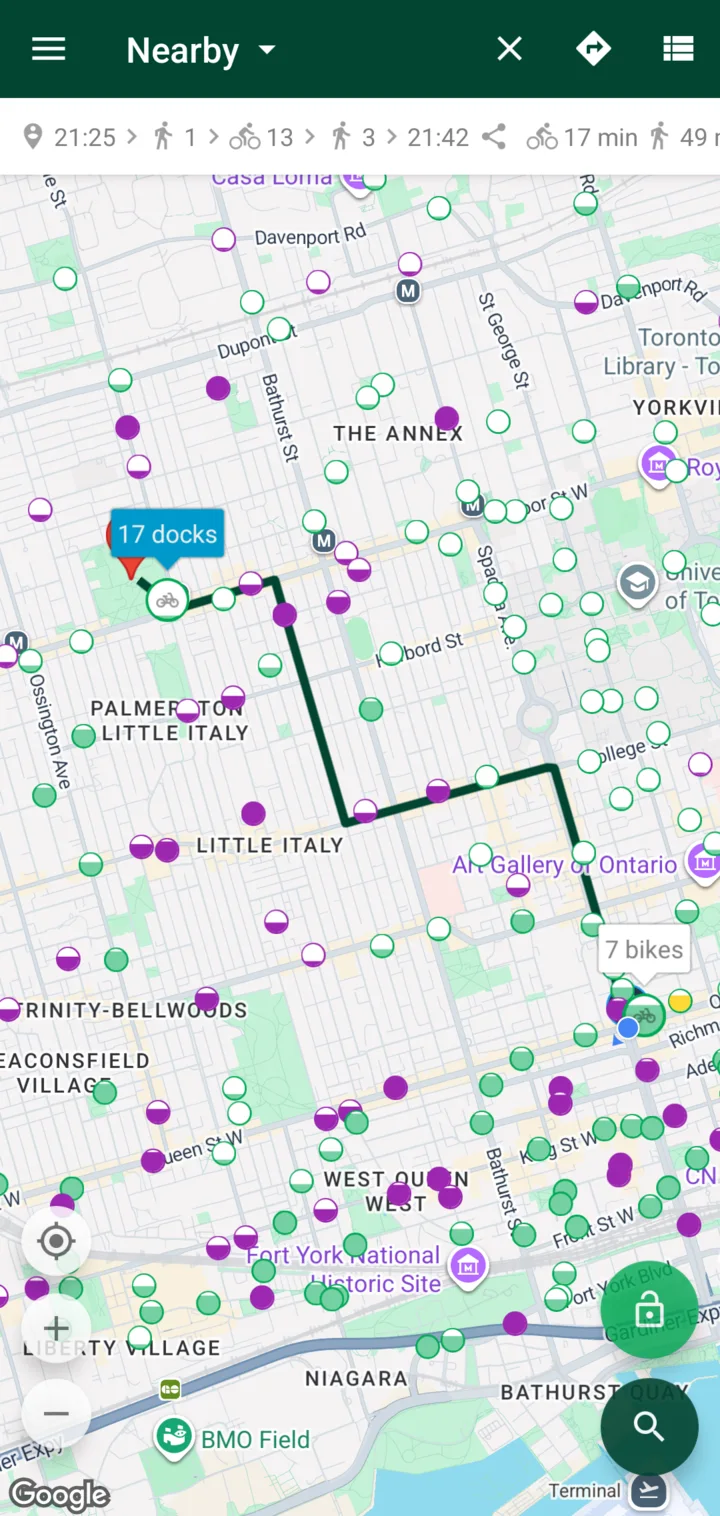
Cycle Now routes you along quiet streets and bike lanes, away from busy traffic. It's on by default.
Quiet routes and turn-by-turn are for Bike Share Toronto.
Illustration
Quiet: side streets, then the painted bike lane where it runs along the big road. The same distance on this grid.
In testing across 7 Toronto station pairs
Spoken turns, in your notifications and on your watch.
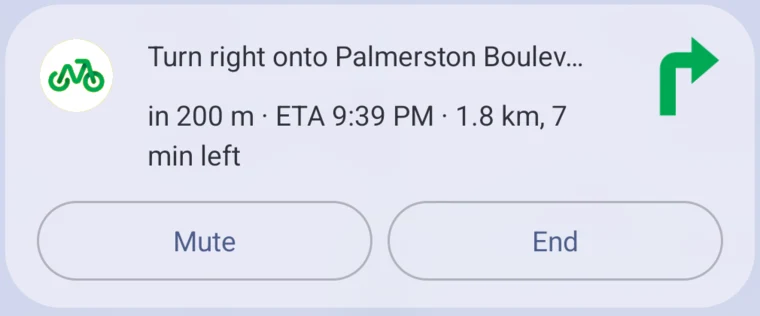
In 300 metres, turn right onto Palmerston Boulevard
Two turns close together come as one cue — “…then immediately right.” The voice ducks your music while it speaks, and one tap mutes it.
Left and right each have their own buzz. No need to look.
Tap to feel it on your phone. Left: short-short-long · Right: long-short-short · Arrive: three long.
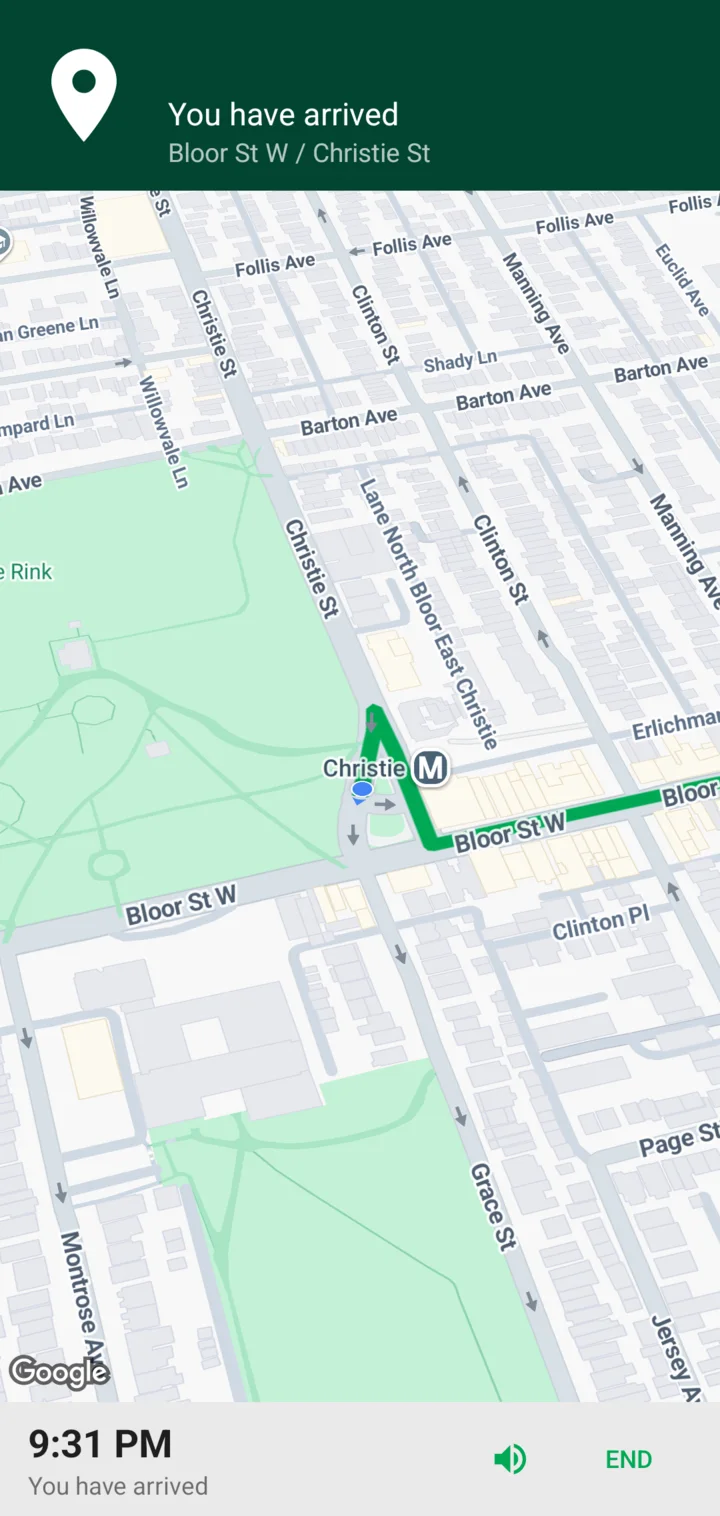
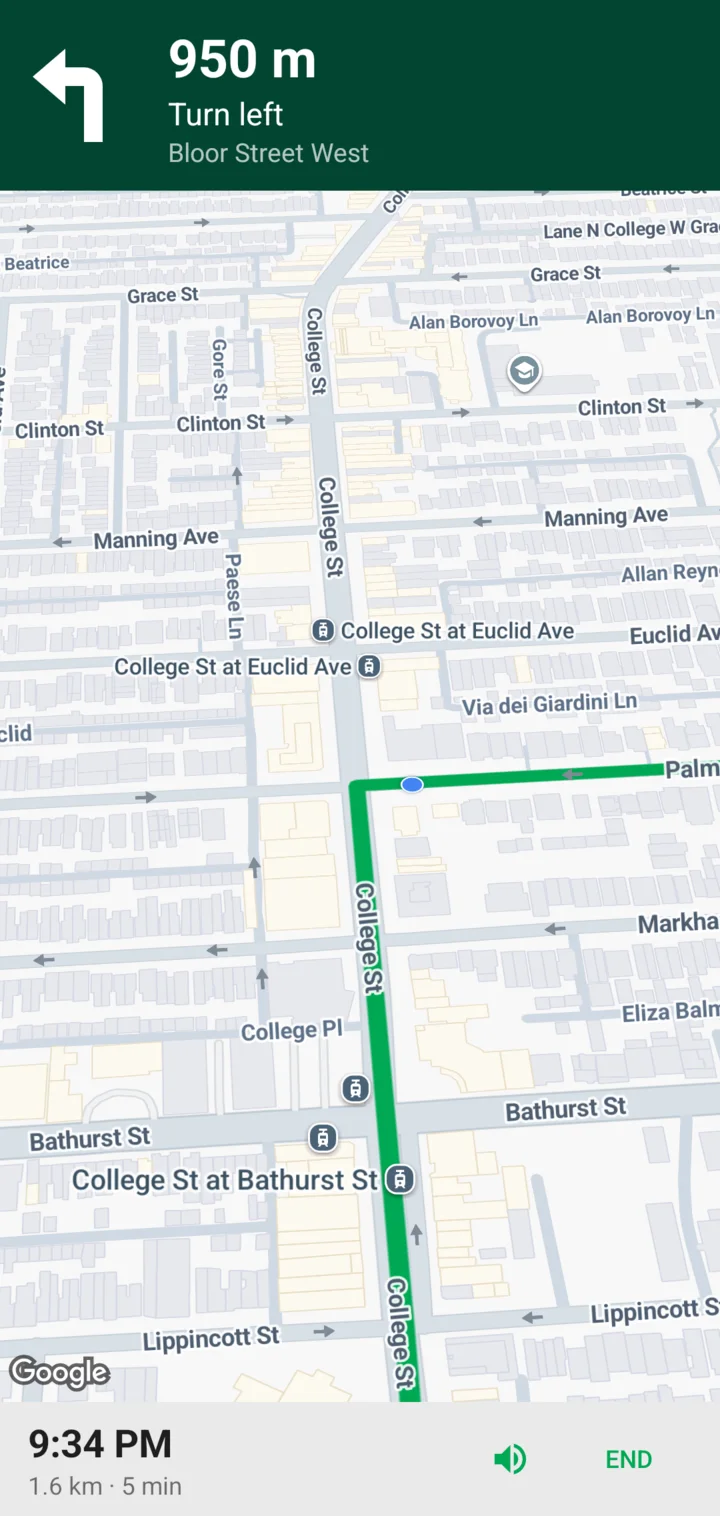
No mount needed. The next turn is always where you'll notice it.
Navigate in Cycle Now, or hand off to Google Maps.
Next turn, distance and ETA in a live notification.
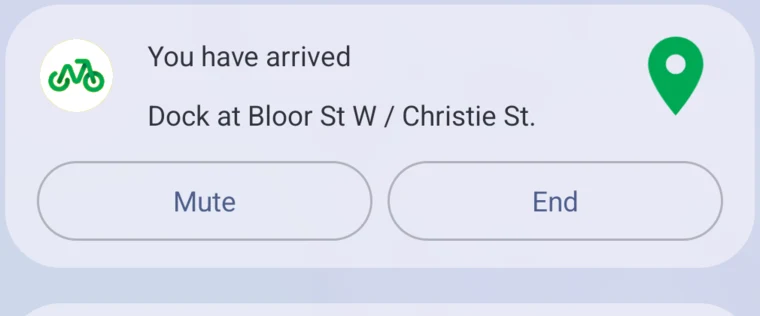
“You have arrived. Dock at Bloor St W / Christie St.”
A bike when you get there. A dock when you arrive.
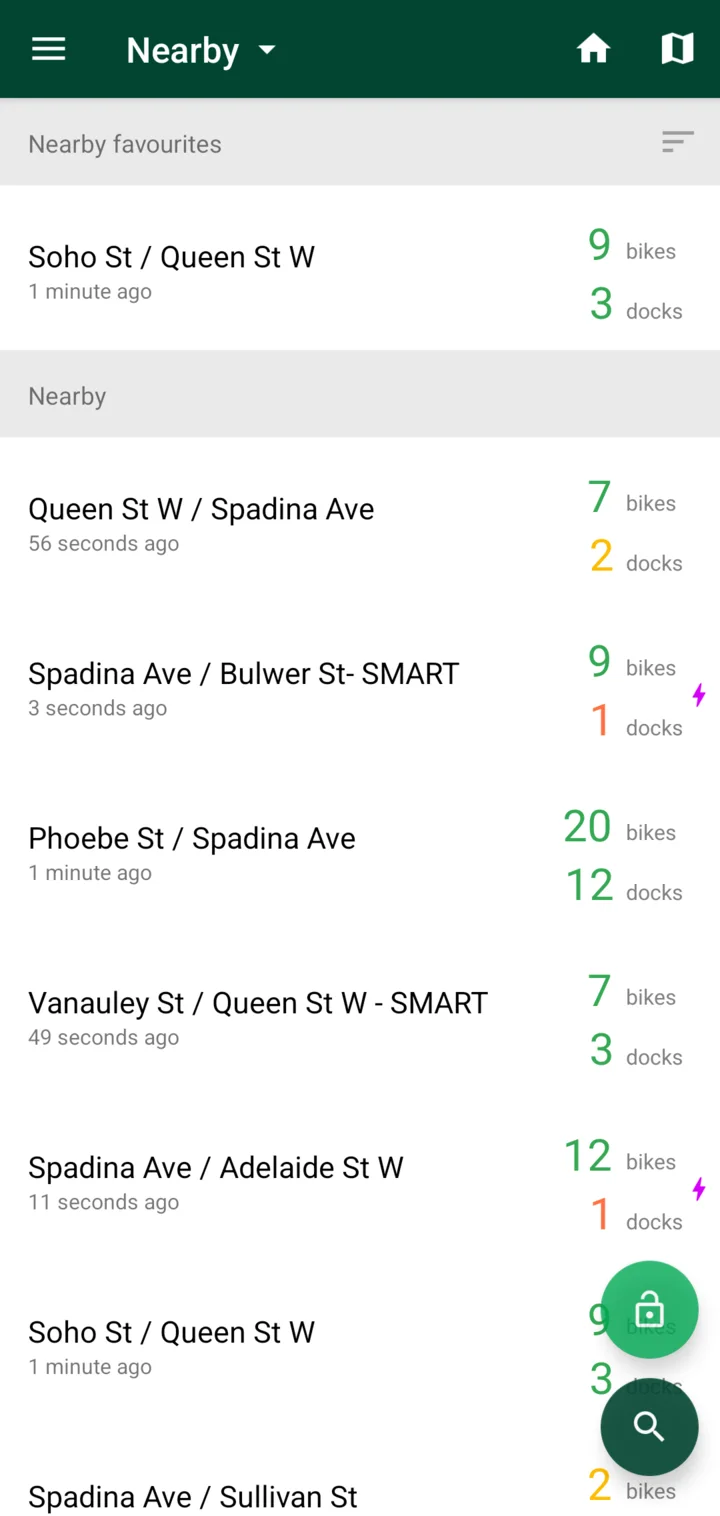
Bikes, e-bikes and free docks at every station, at a glance.
Plan the whole trip. Both ends checked before you go.
Get alerted when a station runs out, or frees up.
Label stations with emoji. Add them to your home screen.
One tap to the Bike Share QR scanner.
Fast scan tips →Light and dark themes.
Around Queen and Spadina.
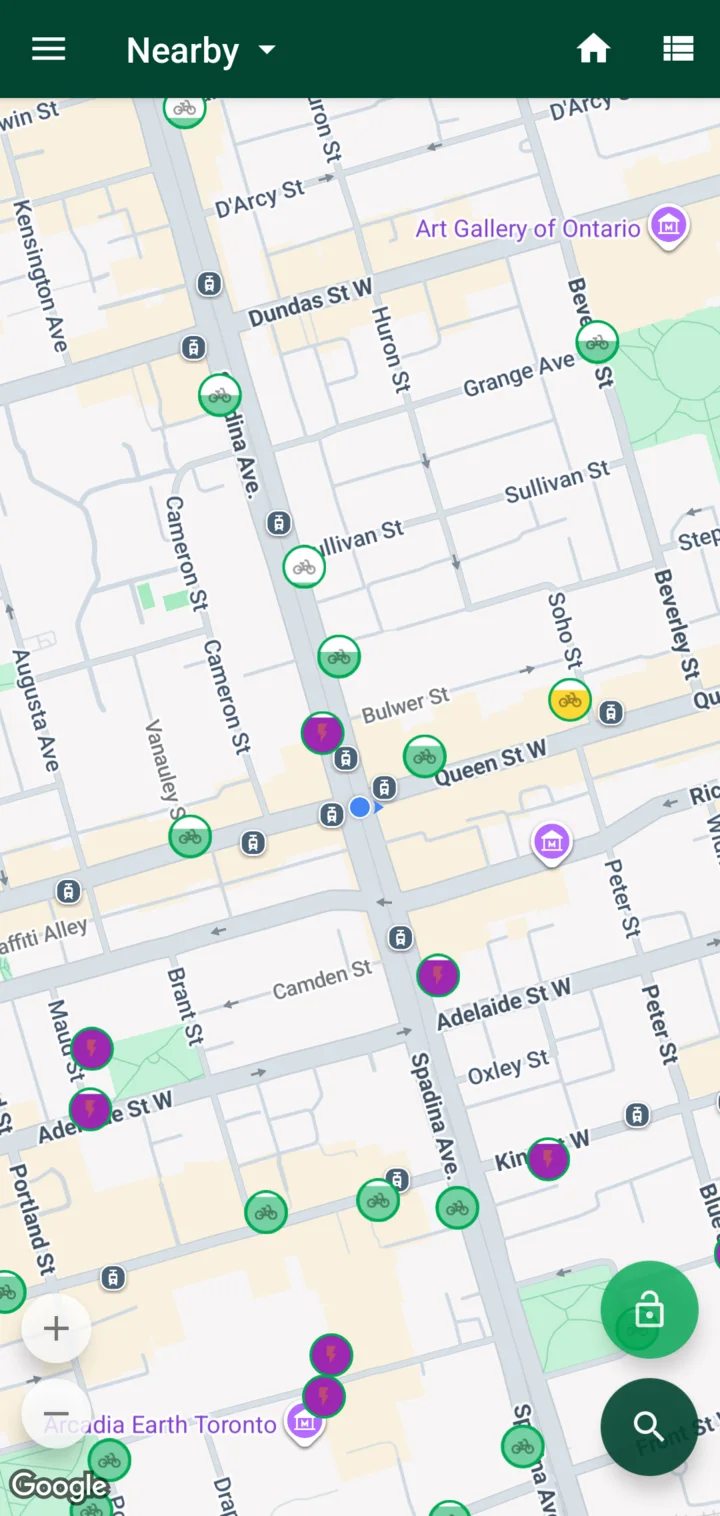
Nearby stations, a map, turn-by-turn, and a buzz when something changes.
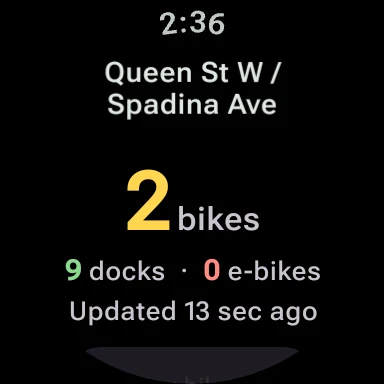
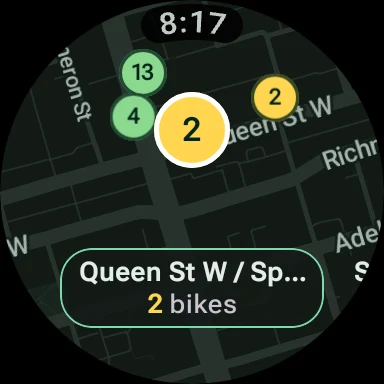
Everything, including quiet routes and turn-by-turn.
Live bikes and docks worldwide.
Live availability Transit Now
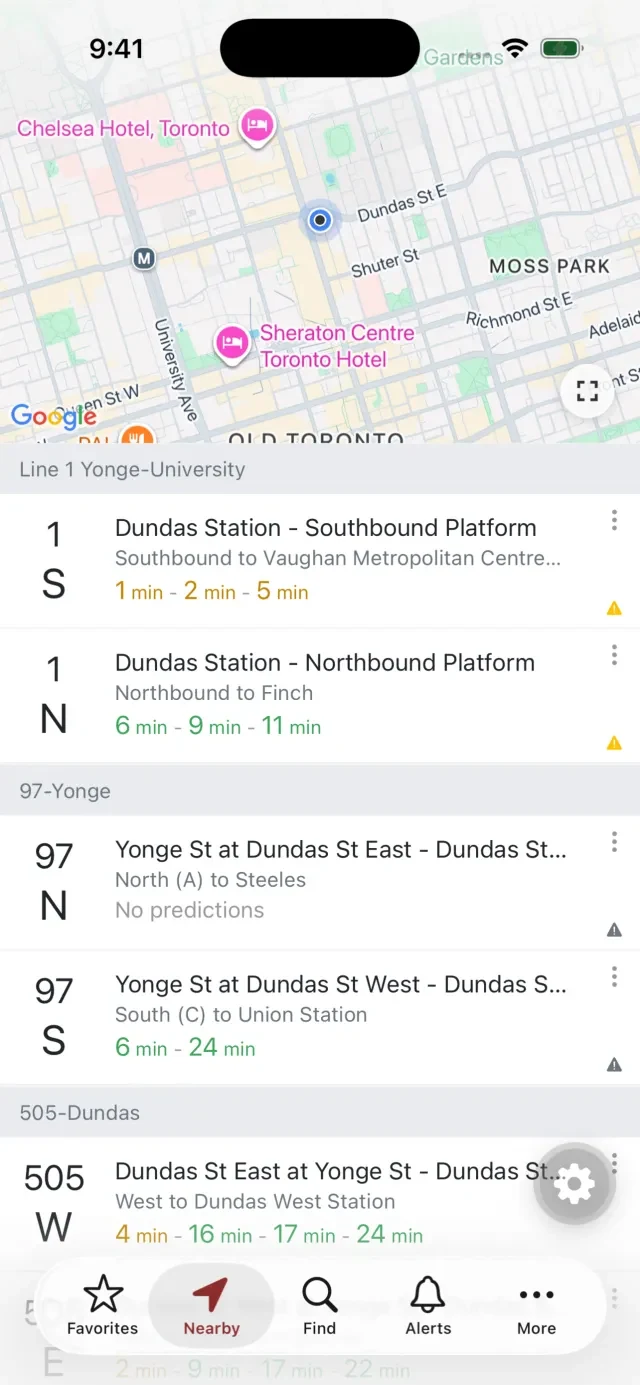
Taking the bus? Real-time TTC, MBTA and AC Transit arrivals, down to the second.
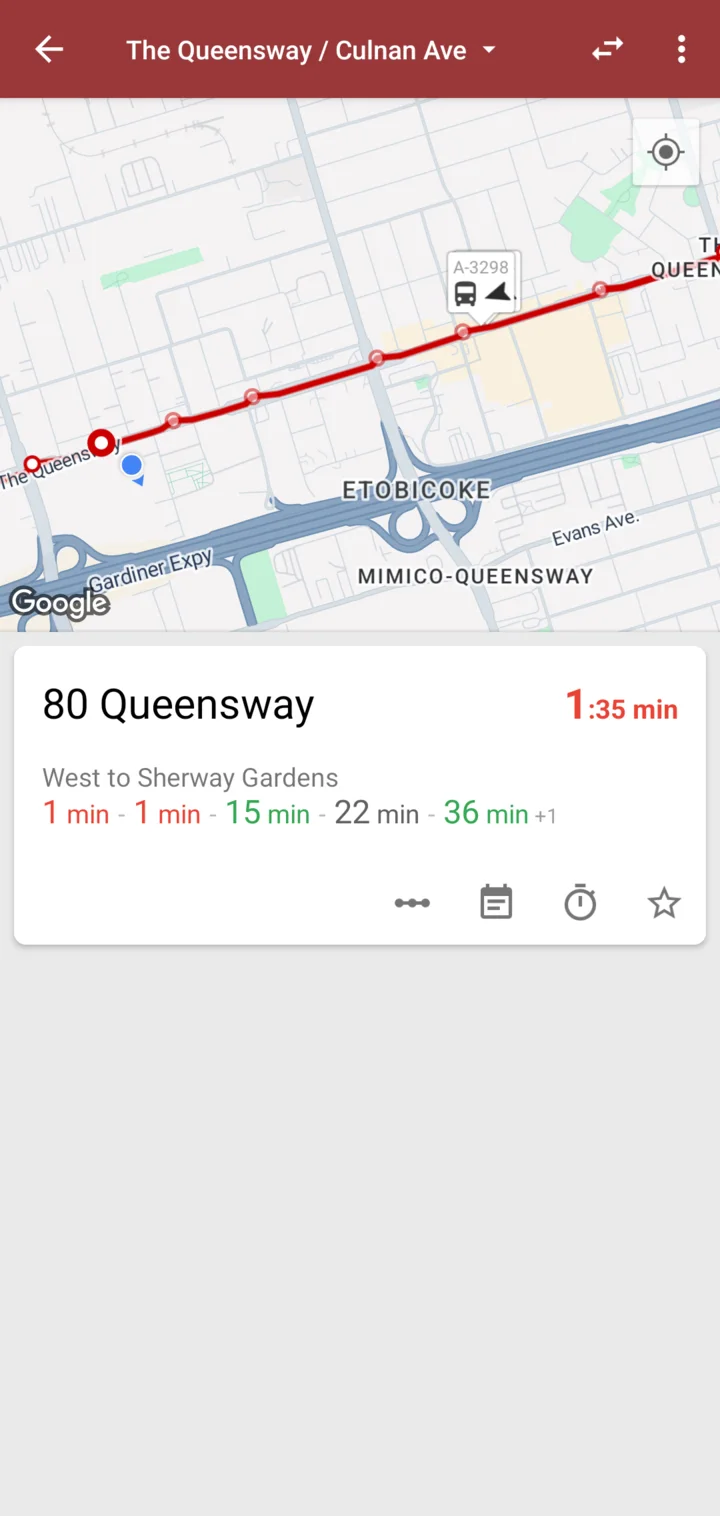

For Android and Wear OS.
On iPhone? Cycle Now's bike-share features are on iPhone inside Transit Now. Get Transit Now on the App Store